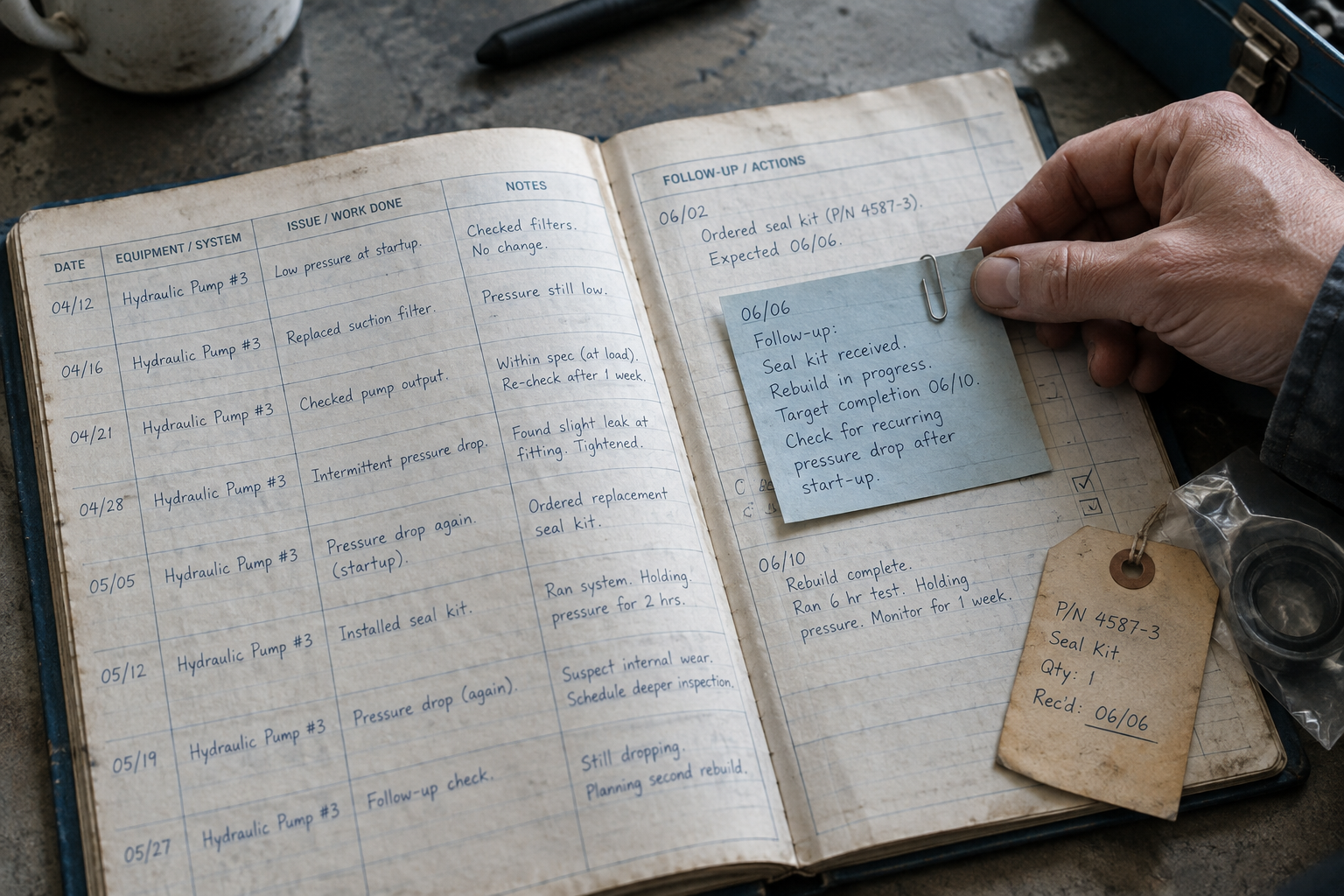
A repair request that keeps coming back can waste time fast. The best first step is to stop treating each update like a new problem and keep one record that follows the issue from start to finish. That way, your team can see what was reported first, what changed, and whether the next step is a visit, a parts order, or a follow-up note.
Start with one clear description of the problem
Write down what is broken in plain words. Include the room or spot, the thing that is affected, and what the tenant or staff member noticed.
For example, “Kitchen sink leaking under the left side cabinet” is more useful than “Plumbing issue.” A specific note gives the next person a place to start.
If the issue has changed, keep the first report and add the new detail below it. That helps you see whether the same problem is returning or whether something new is happening.
Keep the next step visible
A repair request works best when it shows who is handling it and what comes next. If a visit is planned, note the date. If a contractor is waiting on a part, write that down too.
When the same issue comes back, the next step may change. Maybe the first visit fixed part of the problem, but not all of it. Maybe the repair needs a second look. The record should make that easy to see without searching through messages.
A simple status like scheduled, waiting, or complete can help, but only if your team uses it the same way each time.
Record each change as it happens
If the report changes, add the new detail instead of replacing the old one. That gives your team a short history of what happened and when.
This is especially helpful when one person reports a leak, another person sees water damage later, and a third person sets up the visit. With one running record, no one has to piece the story together from memory.
If you use photos or notes, keep them with the same repair request so they stay tied to the right home and the right problem.
Use the record to decide whether the issue is truly new
Not every repeat report means the same repair failed. Sometimes the first issue was only part of the problem, or the second report points to a separate cause.
Ask a few simple questions: Is it the same room? The same symptom? The same thing that was fixed before? If the answer is yes, the team may need to reopen the same request. If not, it may need its own record.
This keeps the work organized and helps avoid sending someone out for the wrong job.
A simple example of a repeat repair record
Hypothetical example: a tenant reports a kitchen sink leak. The first note says the leak is under the cabinet. A visit is scheduled. After the visit, the team adds a note that a joint was tightened, but a damp smell remains. A second update says water is still appearing after use.
In that case, the record shows the full path: first report, first visit, what changed, and why a follow-up is needed. No one has to guess what already happened.
That kind of record is what helps a small team move faster the next time the same issue comes back.
What to do before you close the request
Before marking the repair done, check that the request answers four questions: what was fixed, where it was fixed, who handled it, and whether anything still needs attention.
If any of those are unclear, leave the request open a little longer and add the missing detail. A few extra seconds now can save a second round of calls later.
For small property teams, the goal is not just to finish the repair. It is to leave behind a record that makes the next step easier if the problem returns.