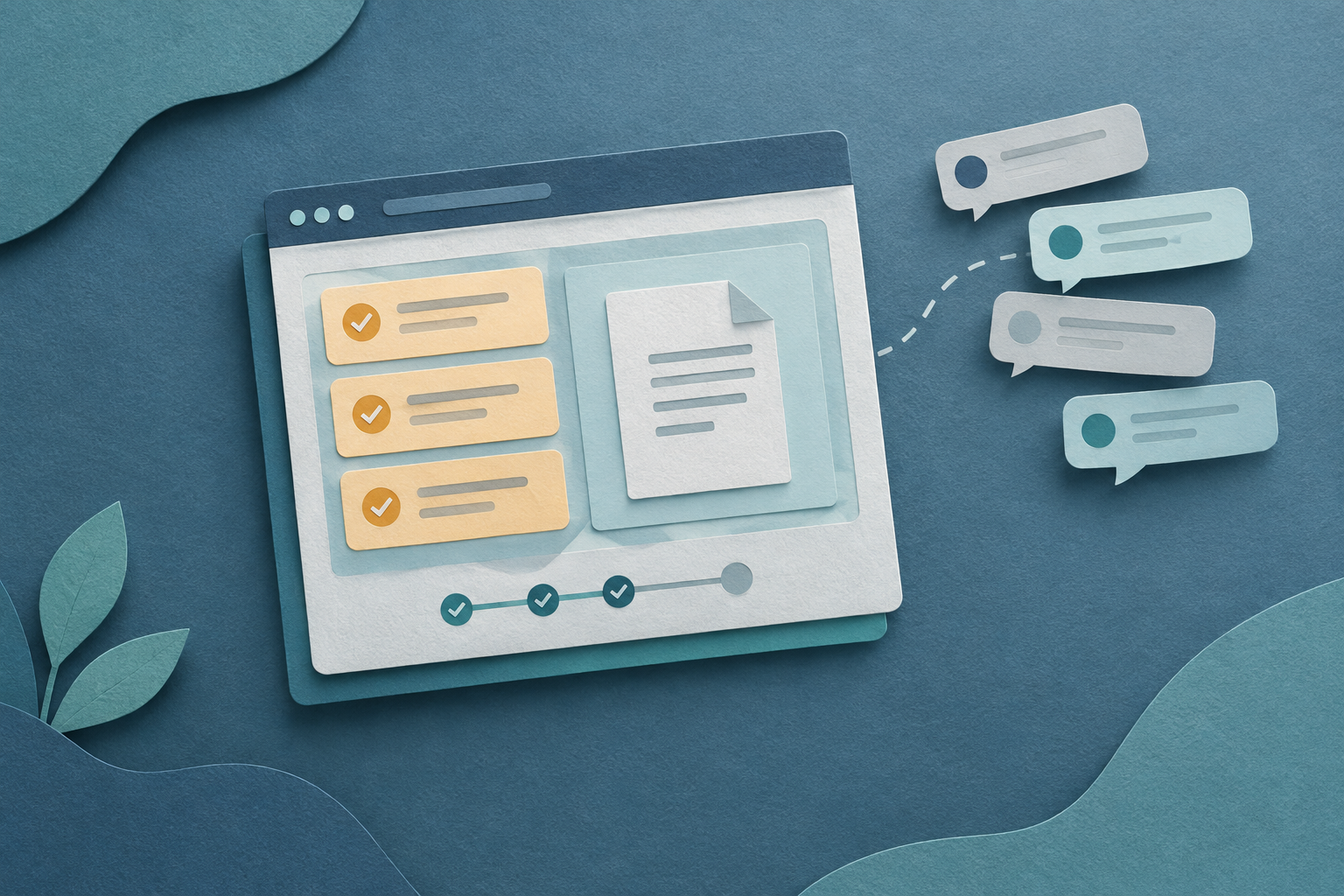
If customers keep asking for the same updates, a portal can help. But not every message, file, or task belongs there. The goal is to move the things people check more than once, and leave the one-off back-and-forth in email. A good portal gives people a clear place to look for status, documents, and key records without making your team do double work.
Start with the questions people keep asking twice
The best things to put in a portal are the things customers ask for again and again. That usually means status, documents, payment records, appointments, or a shared thread of updates. If your team spends time copying the same answer into email, phone calls, and a spreadsheet, that is a strong sign the answer should live in one place.
A simple test helps: if someone would reasonably check it more than once, it belongs in the portal. If they only need it once and never again, email is often enough.
Put repeatable information in the portal
These are the kinds of things that usually work well in a portal: order or job status, uploaded files, account details, progress notes, messages that need a shared record, and reminders about next steps. ARG Media Group’s client portal example follows this pattern: documents, progress, and messages in one place instead of scattered phone calls.
This kind of setup works best when the information is tied to a real record. That could be a customer, a job, a property, or a case. When the portal has a clear purpose, people can find what they need without searching through old messages.
Keep one-off conversation in email
Email is still useful for things that are brief, personal, or likely to change during a back-and-forth. A quick clarification, a note that only matters once, or a conversation that needs a human reply right away can stay in email.
Email also makes sense when the message does not need a permanent home in the system. If nobody will look for it again next month, building a portal screen for it may be more work than it is worth.
Use the portal for shared truth, not every detail
A portal should answer the question, 'What do we both need to see?' It should not try to hold every draft, side note, or temporary idea. The more clutter you add, the less likely people are to use it.
A useful rule is to store the final or current version in the portal and keep the noise elsewhere. For example, a customer may need the current status, the latest file, and the next step. They do not need every internal draft that led there.
Decide based on friction, not features
A lot of portal decisions are really about friction. If the same question is costing your team time every week, the portal should reduce that. If a feature does not save time, prevent mistakes, or make the next step obvious, it may not earn its place.
Think about who benefits most. If the customer gets a clear answer without calling, and your team stops retyping the same thing, the portal is doing useful work. If it only adds another login with the same information already in email, it is probably the wrong shape.
A simple way to choose what goes where
Use this quick split: portal for repeat access, shared records, status, and documents; email for one-off questions, temporary threads, and messages that do not need a long-term home.
If you are unsure, start with the smallest portal that removes the biggest repeat problem. You can add more later. That is usually better than building a large portal that tries to replace every email on day one.
What this means when you are planning a build
If you are thinking about a customer portal, the first step is not design. It is deciding which parts of the work need a shared place to live. ARG Media Group’s approach starts with the problem first, then decides whether the answer is a website, software, or neither.
That is often the most practical next step for businesses that have outgrown status emails and scattered files. Keep email for the quick, human stuff. Put the repeatable work in the portal. Build only what people will actually use.