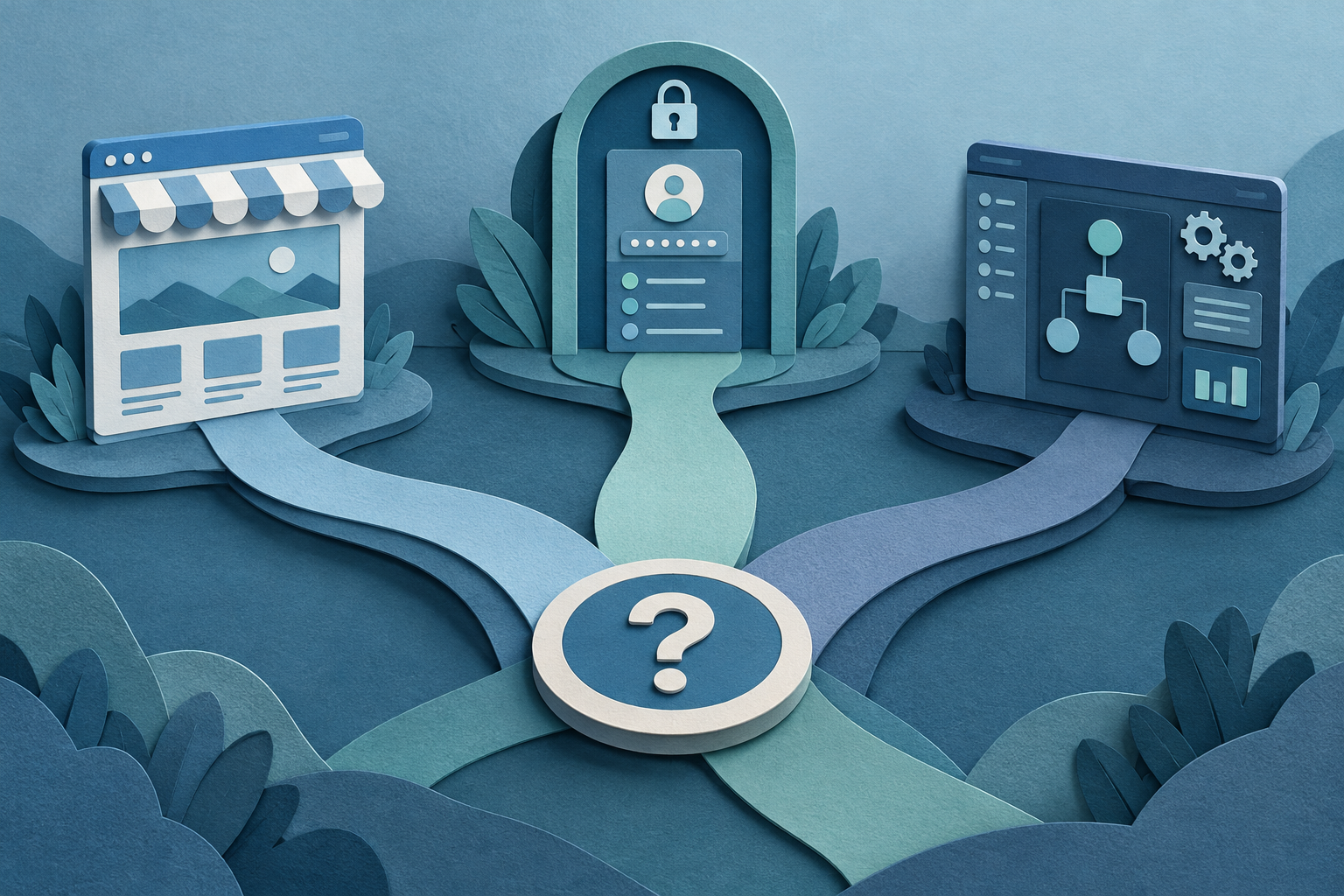
A lot of projects start with the wrong label. Someone says, “We need a better website,” when what they really need is a place for customers to check status. Or they ask for software when the real gap is a clearer site and better content. The fastest way to avoid the wrong build is to answer one simple question early: who needs to do what, and where should that happen?
Start with the user and the job
Before you pick a format, name the person and the task. If the main job is to explain your business, show your work, and help people contact you, that is a website problem. If the main job is to let customers look up their own information, that is a portal problem. If the main job is for your team to handle work faster and with fewer mistakes, that is internal software.
A useful test is this: if the answer needs to be public, it usually belongs on the site. If the answer needs login and personal data, it usually belongs in a portal. If the answer is for staff only, it usually belongs in software.
When a website is the right fix
A website is the right choice when people need to understand what you do, trust you, and take a next step. That might mean calling, booking, requesting a quote, or reading details before they buy. The ARG site describes custom websites as a fit for businesses that have outgrown templates, need better performance, or need their site to connect with tools like booking, CRM, inventory, or payments.
If your current site is hard to edit, slow on phones, or built from a template that no longer fits the business, a custom rebuild may be the cleanest answer. A good website can also do more than look nice: it can support local search, better structure, and clear calls to action. But if the main problem is not visibility or explanation, a website alone may not solve it.
When a portal is the right fix
A customer portal is for information people need to check again and again. Think documents, job progress, messages, invoices, support history, or account details. ARG’s client portal example points to a common use case: turning status phone calls into a dashboard so customers can look things up themselves.
Use a portal when the same questions keep coming in and the answer already exists somewhere in your business. That can save time for staff and cut down on back-and-forth. A portal is not just a login screen on top of a site. It is a working system with roles, permissions, and live data behind it.
A portal makes sense when different people need different views of the same information. For example, one customer should see only their own records, while your team sees the full picture. If that kind of controlled access matters, a portal is usually the better fit than a public site.
When internal software is the right fix
Internal software is for the work your team does behind the scenes. It can replace spreadsheets, reduce double entry, and keep one process from living in five different places. The ARG services page calls out the common signs: the spreadsheet has become the system, one person understands it, and the same data gets typed into three places.
This is the right path when the problem is not how you look to customers, but how the work runs inside the business. That might mean approvals, task tracking, reporting, permissions, reminders, or workflow automation. If staff are spending time chasing information instead of using it, software can remove a lot of friction.
The key difference is audience. A website serves visitors. A portal serves customers or clients. Internal software serves your team. If you mix those jobs into one tool without sorting them first, the build often gets messy and expensive.
A simple way to choose the right option
Ask these four questions in order: 1) Who uses it? 2) What do they need to do? 3) Does it need login? 4) Is the main goal clarity, self-service, or internal efficiency? The answers usually point in one direction.
Use this shorthand: clarity and leads point to a website; self-service and status updates point to a portal; process, control, and team efficiency point to internal software. If the answer is “all three,” start with the part that removes the biggest pain first. That may be the site, the portal, or the workflow tool, but it should be one thing at a time.
For example, a business might first need a stronger site so people understand the offer. Later, it may add a customer portal for order updates. After that, it may build internal software so the team is not retyping data. That order matters because it keeps version one useful instead of bloated.
What to bring to the first conversation
You do not need a full spec to begin. A clear problem statement is enough. Bring a short description of what is in the way, who is affected, and what you want to happen instead. If you already have a site, spreadsheet, or tool, bring access to it. If you have examples of what good looks like, bring those too.
It also helps to know what must be in version one and what can wait. ARG’s process starts with understanding the business, then shaping scope before design. That is useful here too, because the right answer is often not “build everything,” but “build the smallest thing that removes the real bottleneck.”
If you are still unsure which category your problem fits, that is normal. The safest next step is to describe the workflow in plain language and let the decision come from that. A good builder should help you figure out whether you need a website, a portal, software, or a mix of the three.