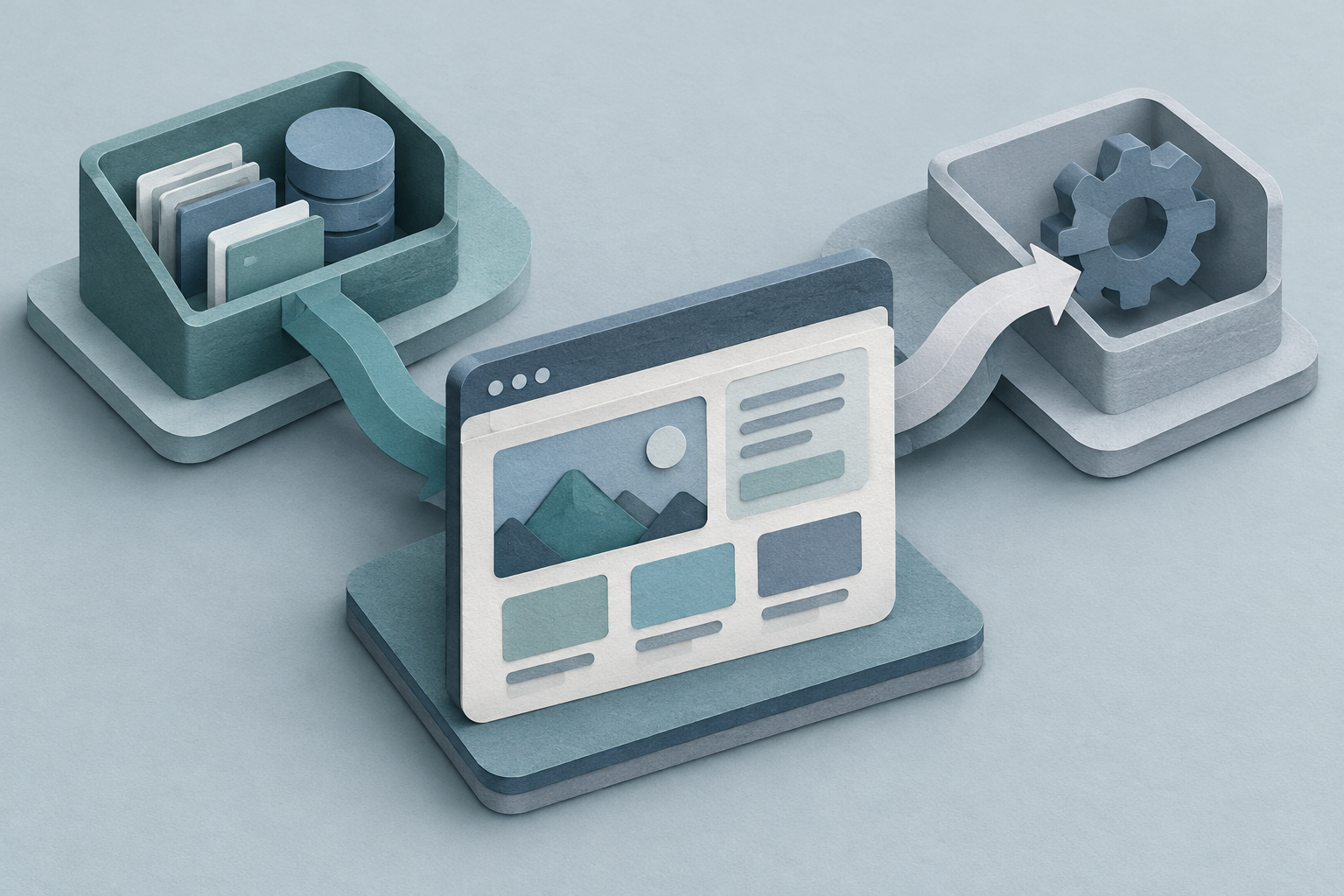
If you are planning a custom website, the first question is not just what pages you need. It is what the site should do itself and what it should leave to other systems. The best answer is usually a mix: the website handles the front end, while other tools handle the heavy lifting behind it. That keeps the build simpler, faster, and easier to grow.
Start with the job, not the tool
A website should do the jobs that belong in public view: explain what you do, show your work, help people get in touch, and guide them to the next step. If that is all you need, keep it simple. If the site also needs to book appointments, take payments, check order status, or update records, then it may need to connect to other tools.
A good rule is to ask: does this part need to be seen by visitors, or is it mainly for your team and systems? Public-facing work belongs on the website. Internal work may belong in software, even if the visitor touches it once.
Keep content on the website and core records in the system of truth
Your website is a good place for pages, articles, service details, prices, FAQs, and forms. These are things people need to read or send. But the main record of a customer, order, tenant, booking, or job should usually live in one system, not copied across several.
That avoids the common mess where the same detail is typed into a form, a spreadsheet, a CRM, and an inbox. If the website becomes the main place where records are edited, it can turn into a second software system by accident.
Use handoffs when the job is already owned elsewhere
If you already use booking software, accounting tools, a CRM, inventory software, or a portal, the website does not need to replace them just because it can. In many cases, the better move is to let the website start the task and then hand it off.
For example, a visitor fills in a form on the site, and that form creates a lead in your CRM. Or a customer logs in on the site and sees data pulled from the system you already trust. The website stays the front door, but the other tool keeps the source data.
Choose ownership based on change, risk, and maintenance
A feature is more worth building into the website when it changes often, matters to the customer experience, or must match your exact process. It is less worth building in when the logic is standard, the risk is low, and a solid outside tool already does the job.
Ask three questions before deciding: Who changes this most often? What happens if it breaks? Will we need to revise it often as the business grows? If the answer points to frequent change, business risk, or special rules, custom code may be worth it. If not, a handoff is usually cleaner.
A simple way to split the work
Think in three buckets. First, what the website should own: the pages, the design, the forms, and any part that must match your brand and content exactly. Second, what it should connect to: bookings, payments, customer data, email, or reporting. Third, what should stay outside the site: back-office tasks, file storage, and work that only staff should handle.
That split gives you a clearer build. It also makes it easier to keep control of your code, your data, and your tools without forcing one system to do every job. If you are unsure, describe the process in plain words first. Then decide whether the right answer is a website, software, or neither.