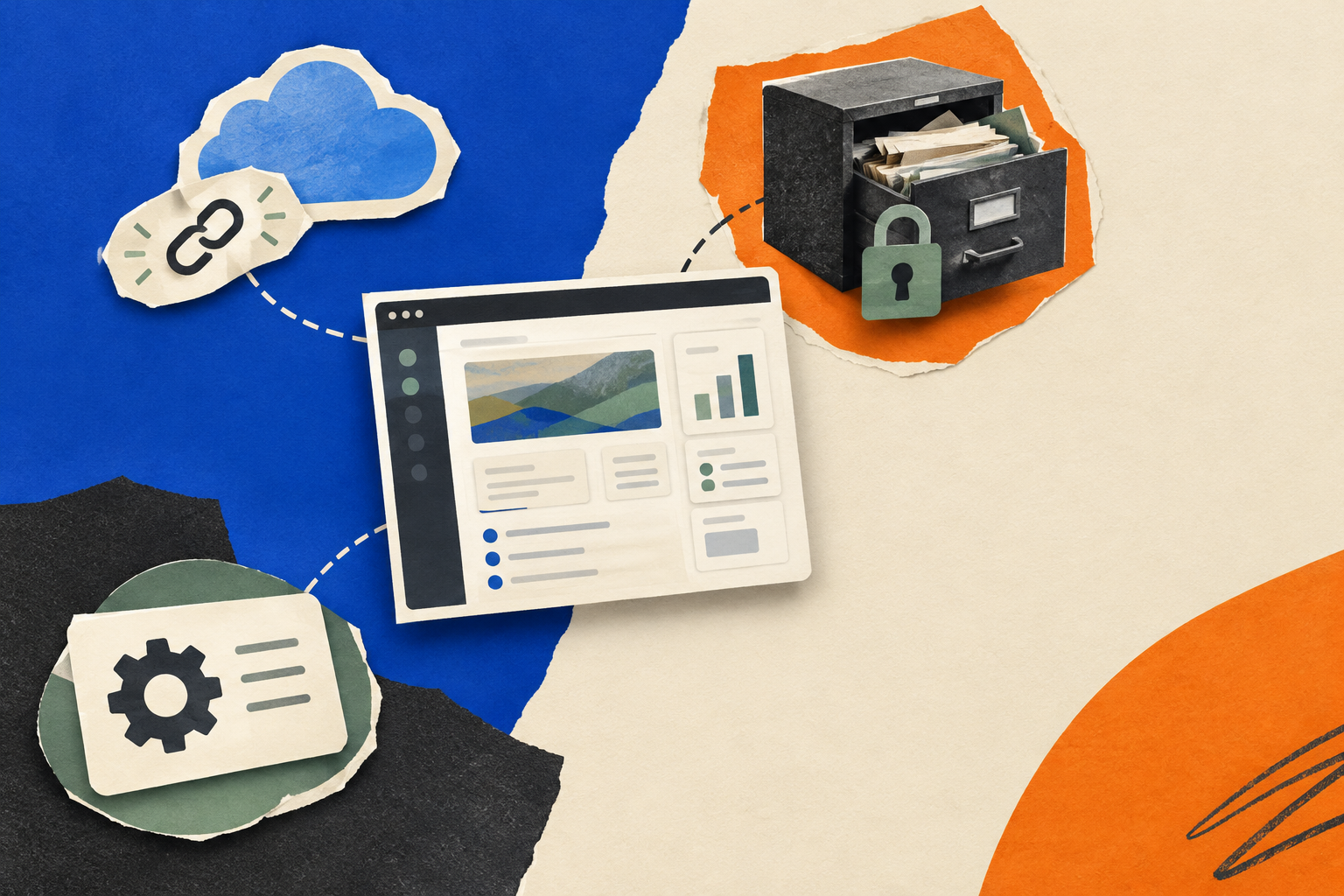
A custom website or software build should not try to do everything. The better question is which jobs belong inside the build, which should be connected to it, and which should stay in other tools. A good rule is simple: put the work where it is used most, then connect the rest. If you get that part right, the system is easier to use, easier to change, and less likely to turn into a mess of duplicate data.
Start with the job, not the tool
Before you decide what to connect, write down the actual job the person is trying to do. For example: book a job, check order status, update a tenant record, send an invoice, or answer a customer question.
Then ask where that job is done most often. If staff use the same screen all day, that may belong inside the custom build. If the task only happens once a month and a mature tool already handles it well, it may be better left outside and linked in.
This is the same idea ARG Media Group uses on its custom website and software work: decide what actually has to exist, then build around the business problem instead of forcing everything into one place.
Put repeat work where people already work
If a task happens over and over, it is a strong candidate for the custom build. That might be a customer portal, a dashboard, or an internal admin screen.
Good examples are things like status updates, message history, document access, or a staff workflow that keeps bouncing between email, spreadsheets, and chat threads. In those cases, the custom system can become the main place people go.
The goal is not to replace every tool. It is to stop making people jump between three places to finish one task.
Connect standard tools instead of rebuilding them
Some jobs are standard enough that it makes more sense to connect to an existing service. Calendar booking, email sending, payments, and some CRM functions often fall into that group.
If a tool already does the job well and you do not need to change how it works, connect to it. That keeps the build smaller and avoids paying to recreate something that already exists.
A useful test is this: if you would be happy using the off-the-shelf tool by itself, it probably does not need to be rebuilt inside your custom system.
Keep sensitive or messy data in one clear place
A build gets harder to trust when the same information is typed into several places. That is where errors start: wrong customer details, outdated notes, missed updates, and unclear records.
If the data matters a lot, choose one source of truth. That means one place where the record is created and updated, with other tools reading from it or sending data into it as needed.
This matters most for things like permissions, customer records, property records, and internal workflows where a mistake can create real work later.
Use permissions and ownership as a filter
Ask who needs to see the data, who should edit it, and who should never touch it. If the answer changes by role, the custom build may need to own that part of the process.
A good build can handle roles and permissions in a way that fits your team, instead of forcing everyone into the same access level.
Ownership matters too. If the system has to live with you after launch, you want the code, the data, and the accounts in your name. That makes it easier to change tools later without starting from scratch.
A simple way to decide
Use this quick check for each part of the workflow: Does it happen often? Does it need your exact process? Does it contain important data? Does it need custom permissions?
If the answer is yes to most of those, it probably belongs inside the custom build. If the answer is no, it may be better as a connected tool.
Here is a practical example: a custom portal might own customer status, documents, and messages, while payments and email are handled through outside services. Or a landlord platform might own tenant records and reminders, while a separate accounting tool stays in place.
The right mix is usually not all-in-one and not scattered everywhere. It is one main system with a few solid connections around it.