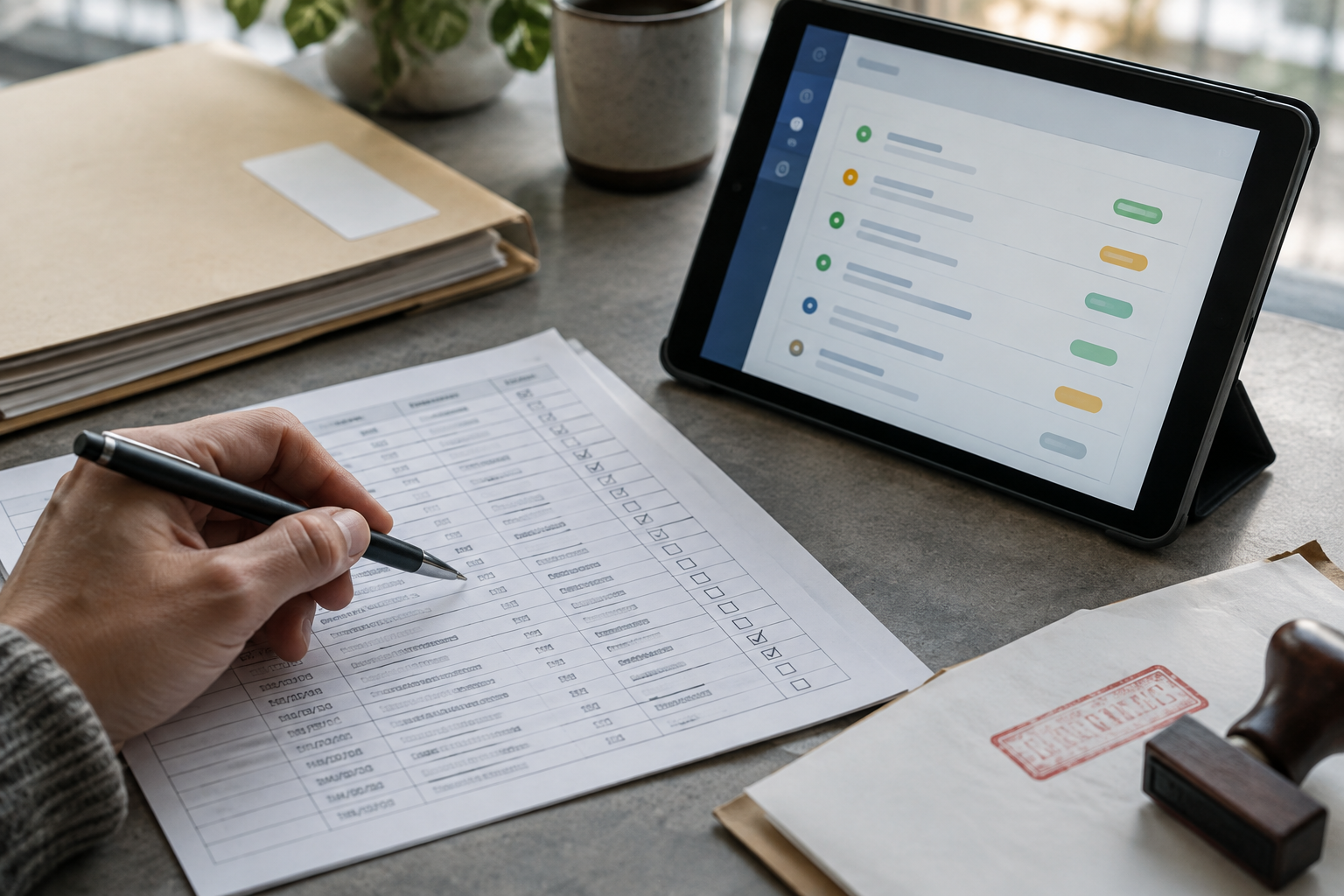
A customer portal is worth it when people keep asking for the same information and your team keeps answering it by hand. If customers want status, documents, messages, or account details in one place, a portal can cut repeat calls and reduce mistakes. But it is not the right answer for every business. The better question is: what problem are you trying to remove, and what should the portal do that email and phone calls cannot?
Start with the repeat question
The clearest sign you need a portal is the same question coming in again and again. It might be "What is my status?", "Can you send that file again?", or "Who do I speak to about this?" If your team keeps answering the same thing, the problem is not just communication. It is that customers do not have a place to check for themselves.
A portal gives them one place to look for the information they need. That can mean progress updates, documents, messages, invoices, booking details, or account records. The point is not to add software for its own sake. It is to move routine questions out of inboxes and phone queues.
Decide what belongs in the portal
A useful portal does a few things well. It shows the information customers ask for most often. It lets them see progress, download documents, send messages, or review records. If needed, it can also tie into the tools your team already uses so the data is not copied by hand.
A bad portal tries to do everything on day one. That usually makes it slow to build and hard to use. Start with the few things that save the most time. For example, if customers mainly ask for job status, build around that first. If they mostly need files and messages, make those easy to find before anything else.
Check whether the work is really manual
A portal is most useful when your team is doing work that could be shown once and reused many times. If staff are copying the same update into email replies, tracking progress in a spreadsheet, or digging through old message threads, that is a strong sign.
If the answer already lives in another system, the portal can pull it through instead of creating a second place to maintain. ARG Media Group’s software pages describe this kind of work as customer portals, dashboards, internal tools, and workflow automation. In plain terms, that means building around the process instead of making people chase information across several tools.
Know when a portal is not the answer
A portal is not the right move if the problem is small and simple. If only a few customers ask for updates, or if a shared inbox already handles the work well enough, a portal may be more effort than it is worth. The same is true if the real issue is unclear process, not communication.
Sometimes the better fix is a cleaner website page, a better auto-reply, a shared document, or a simple form. If you are still figuring out the process itself, a lighter tool may be the smarter first step. Build the portal when the repeated work is clear enough that the software can remove it, not just rearrange it.
What a good first version should include
A first version should be small and useful. It should give customers a login, show the key information they need, and make it easy to send or receive the most common updates. It should also have the right access rules so people only see what belongs to them.
For a business like the ones ARG Media Group describes, that often means records, documents, messages, status, and some kind of dashboard. You do not need every feature in version one. You need the part that saves time and makes the process easier to trust.
A simple way to choose
Ask three questions. First, do customers keep asking for the same thing? Second, can that information be shown safely in one place? Third, will this save your team real time every week? If the answer is yes to all three, a portal is probably worth building.
If the answer is no to one of them, you may need a smaller fix first. That might be a better website page, a stronger internal process, or a tool that handles only part of the job. The goal is not to own every process inside software. The goal is to build the version that fits the work and makes life easier for both your team and your customers.