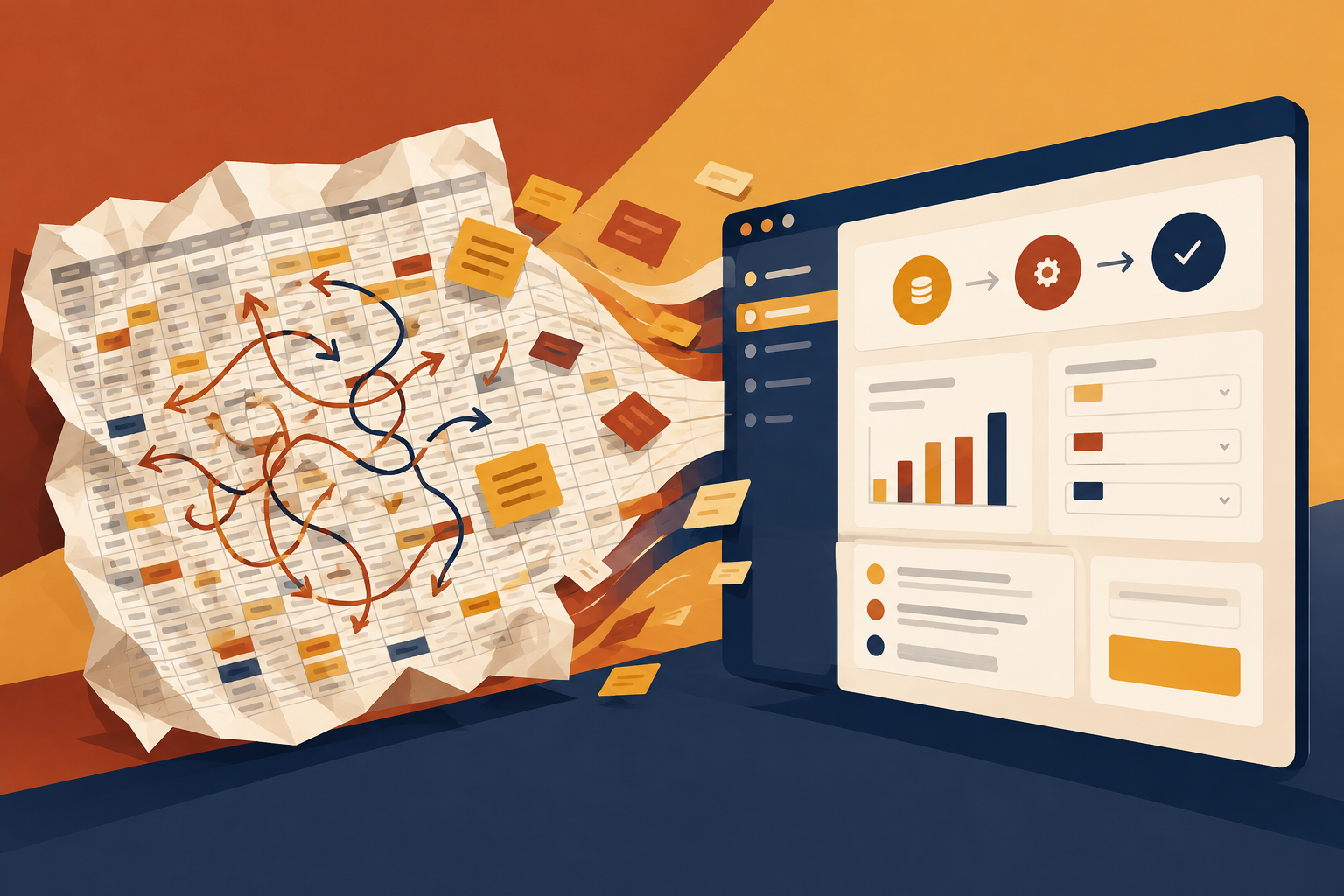
If your team keeps using one spreadsheet for jobs, customers, status, or approvals, the real question is not whether spreadsheets are bad. It is whether the sheet has become the system. The answer is usually yes when one person understands it, people keep retyping the same data, and work is starting to depend on memory and side messages instead of a clear process. In that case, the next step is not to buy the biggest tool on the market. It is to map the work, decide what version one must do, and build only what removes the mess that is slowing everyone down.
The clearest signs the spreadsheet has outgrown its job
A spreadsheet stops being a helper when it becomes the place where the business lives. A few signs usually show up together. The first is that one person is the keeper of the file. If that person is away, the team slows down or guesses.
Another sign is repeated typing. If the same customer name, order number, status, or date gets entered in more than one place, mistakes will follow. That is especially true when people are copying data from emails, texts, or another system into the sheet by hand.
A third sign is status calls. If customers, clients, or staff keep asking, “Where is this at?” and there is nowhere for them to check, the spreadsheet is doing a job it was never meant to do. It holds data, but it does not answer questions for the right people.
The last big sign is workarounds. If the team has a pile of color codes, hidden tabs, personal notes, and rule-of-thumb fixes just to keep the sheet usable, the process has already outgrown the tool.
What custom software does that a spreadsheet cannot
Custom software is not about making things look more modern. It is about matching the tool to the way the work actually flows. That can mean a customer portal, an internal dashboard, an admin system, or a set of workflows that handle the steps a spreadsheet cannot.
A good example is status visibility. Instead of calling the office, a customer can log in and see documents, progress, or messages in one place. That removes a whole category of interruptions and gives everyone the same source of truth.
Another example is permissions. In a spreadsheet, everyone often sees everything. In software, you can set roles so the right people can view, edit, or approve only what they should. That matters when customer records, pricing, or internal notes should not be open to every user.
Software also helps with integrations. If your business already runs on booking, CRM, inventory, email, or payment tools, a custom system can connect to them instead of forcing staff to copy information around by hand. The point is not to add software for its own sake. The point is to remove friction from a process that already exists.
How to decide whether to fix the sheet or replace it
Not every spreadsheet needs a rebuild. Sometimes the cheapest and best move is to clean it up, split it into a few better files, or use a standard tool that already solves the problem. A replacement only makes sense when the gaps are structural, not cosmetic.
Ask three questions. First: is the process standard? If the answer is yes, a ready-made tool may already do the job. Things like simple invoicing, calendars, or basic email workflows often belong in an off-the-shelf product, not custom code.
Second: is the process still changing? If you are still learning how the work should run, a spreadsheet or simple database can be the right place to test it. Building software too early can lock in the wrong process.
Third: are the workarounds multiplying? If the same sheet needs constant manual fixes, if reports are late because someone has to clean data first, or if the business depends on one person’s memory, the cost of staying put is probably higher than the cost of replacing it.
That is also the point where a fixed-scope version one matters. Start with the smallest system that removes the spreadsheet problem, not the biggest version you can imagine.
What the first version should include
The first version should solve one clear problem end to end. For example, it might track requests from start to finish, show status to customers, or manage internal tasks without retyping data in three places.
It should also include the basics that keep it usable: roles and permissions, a clear data structure, and a place for the team to see the work as it moves. If people cannot tell what a record means or who can change it, the software will just become a nicer-looking mess.
Do not try to build every future idea into version one. Leave room for later additions like mobile views, extra reports, or new integrations. A small working system that people actually use is more valuable than a large one that never gets finished.
If you are replacing a spreadsheet, migration matters too. The old data should be imported in a way that keeps the business moving. The goal is not to start over from zero. It is to move the useful parts into something safer and easier to use.
What to do next if you are not sure yet
Start by writing down the actual problem in plain words. Not “we need a new platform.” Try something like: customers keep calling for updates because only one person can read the spreadsheet, and the team retypes the same data into three places.
Then map one real job from start to finish. Watch where it waits, where it gets re-entered, and where people make side decisions because the system does not help them. That map will tell you whether you need a better spreadsheet, a standard tool, or custom software.
If you are still unsure, compare the cost of the current workarounds with the cost of a proper fix. Lost time, repeat calls, missed updates, and avoidable mistakes all count. If those problems are growing, the spreadsheet is no longer just a file. It is part of the bottleneck.
The best next step is usually not a big spec. It is a short conversation about the problem, the current tools, and what the first useful version should do. From there, you can decide whether the answer is a website, a piece of software, or neither.